How to do the galaxy cube hands effect
To do the galaxy cube hands effect on your phone, open Mote, pick Galaxy Cube and hold both palms apart in front of the camera: a glowing cube with a galaxy inside floats between your hands and turns as they move, with no editing.
The gesture, step by step
- Open Mote and pick Galaxy Cube.
- Hold both palms apart, facing the camera: the cube floats between them.
- One palm works too: the cube floats above it and follows your hand.
Pinch, or press your palms together, to switch the look without stopping the shot.
- Galaxy
- Wire
- Neon
- Monolith
What makes it work
- Live hand tracking
- Mote tracks your palms in every camera frame and keeps the cube between them as you move. With one palm in view, the cube floats above that hand instead.
- No editing
- The effect is drawn on the live camera, so the clip you record already has it.
- Phones
- iPhone (iOS 16.0 or later) and Android (Android 7.0 or later).
- Price
- Mote Pro (free download; Bubble, Light Trails and Web are free).
- Recording
- Up to 15 seconds free, 60 seconds with Pro. Save to Photos, or from Mote 1.3.0 share straight to Instagram Stories.
Questions
Is the Galaxy Cube effect free?
Galaxy Cube is part of Mote Pro. Mote itself is free to download, and Bubble (iPhone), Light Trails and Web are free to use. Mote Pro is a weekly subscription with a 3-day free trial for eligible new subscribers, an annual plan or a one-time lifetime purchase; prices are shown in the app before you buy.
Do I need to edit the video to get the galaxy cube effect?
No. Mote draws Galaxy Cube on the live camera while you film, using real-time hand tracking. What you see on screen is what gets recorded, so there is no timeline, keyframing or green screen.
Which phones can do the galaxy cube effect?
Galaxy Cube works in Mote on iPhone (iOS 16 or later) and Android (Android 7.0 or later). On a phone where live hand tracking cannot start, Mote falls back to the Web effect.
Can I share it to Instagram or TikTok?
Yes. Record the clip in Mote, save it to Photos, and post it anywhere. From Mote 1.3.0 there is also a Share to Story button that sends the clip straight to Instagram Stories.
Do I need an account?
No. Mote works without an account, and hand tracking runs on your phone; camera frames are not uploaded.
More hand effects
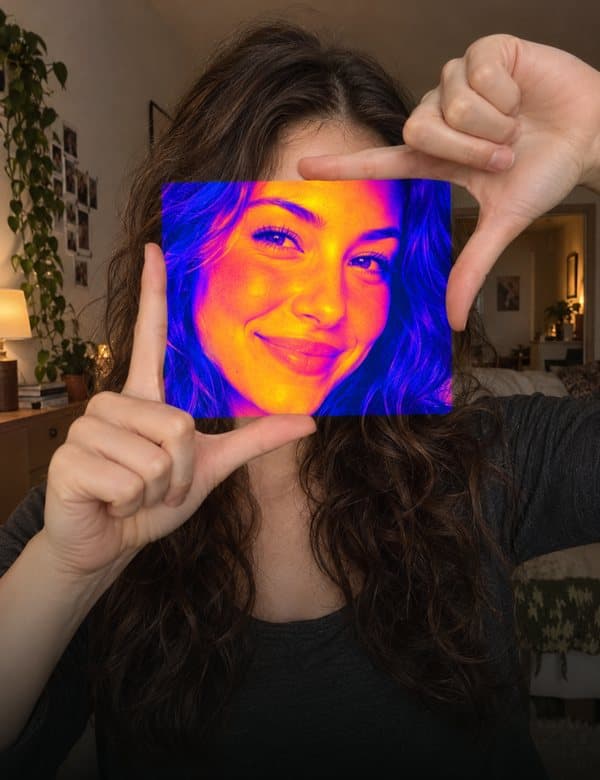 PortalPro
Frame a gap with your fingers and a new look opens inside it.
How to do Portal LightningPro
Lightning jumps from fingertip to fingertip.
How to do Lightning BubbleFree · iPhone
Pinch the air, pull, let go: a soap bubble floats off.
How to do Bubble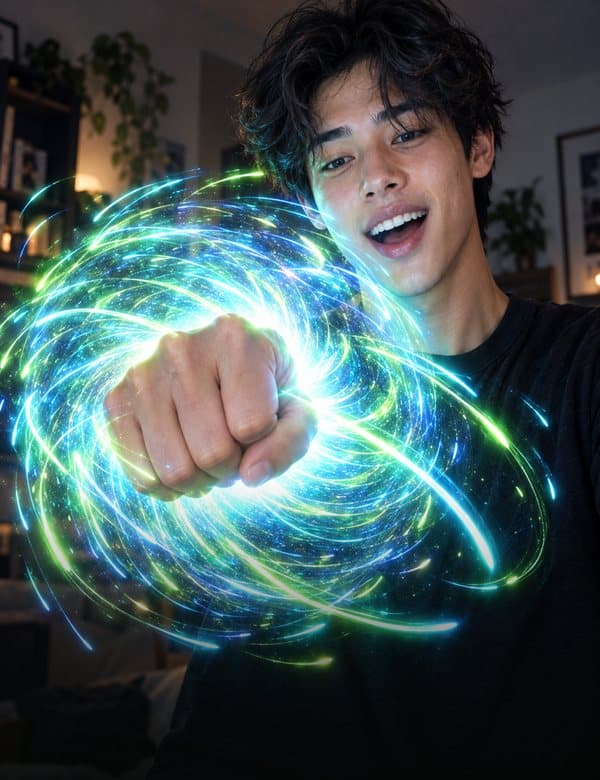 StarsPro
Make a fist to pull the stars in, open your hand to burst them out.
How to do Stars HologramPro
Frame yourself with your fingers and the picture turns into a hologram.
How to do Hologram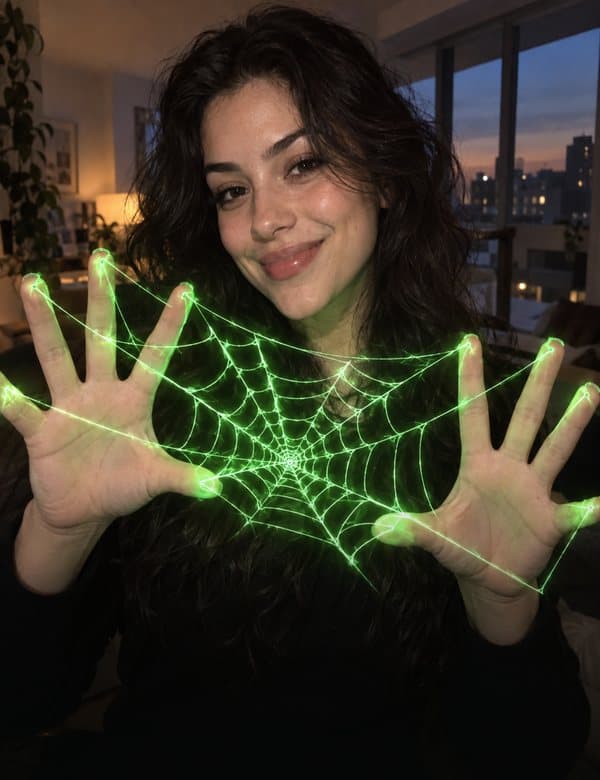 WebFree
Glowing threads stretch between your fingers.
How to do Web