How to do the web hands effect
To do the web hands effect on your phone, open Mote, pick Web and spread both hands in front of the camera: glowing threads stretch between your fingers and follow every finger live, with no editing.
The gesture, step by step
- Open Mote and pick Web.
- Spread both hands in front of the camera.
- Glowing threads stretch between your fingers and follow every finger as you move.
Tap the effect name at the bottom of the camera to switch looks, or turn on AUTO.
- Strands
- Rainbow
- Neon
- Silk
What makes it work
- Live hand tracking
- Mote tracks every finger of both hands and stretches the threads between them, so the web follows each finger you move. Web works in Mote on iPhone and Android.
- No editing
- The effect is drawn on the live camera, so the clip you record already has it.
- Phones
- iPhone (iOS 16.0 or later) and Android (Android 7.0 or later).
- Price
- Free: this week's Friday drop and every drop you caught (record one take during its week and it stays yours), in takes up to 15 seconds with a small watermark. Mote Pro: every effect, including drops you missed, 60-second takes and no watermark.
- Recording
- Up to 15 seconds free, 60 seconds with Pro. Save to Photos, or from Mote 1.3.0 share straight to Instagram Stories.
Questions
Is the Web effect free?
Web is Mote's drop 4, live from Friday, October 2, 2026 at 7 pm on your phone's clock. Mote is free to download. Each Friday a new effect drops: record it free that week and it stays in your collection, in takes up to 15 seconds with a small watermark. Outside its drop week, a missed drop is part of Mote Pro, which also gives 60-second takes and no watermark. Mote Pro is a weekly subscription with a 3-day free trial for eligible new subscribers, an annual plan or a one-time lifetime purchase; prices are shown in the app.
Do I need to edit the video to get the web effect?
No. Mote draws Web on the live camera while you film, using real-time hand tracking. What you see on screen is what gets recorded, so there is no timeline, keyframing or green screen.
Which phones can do the web effect?
Web works in Mote on iPhone (iOS 16 or later) and Android (Android 7.0 or later). On a phone where live hand tracking cannot start, Mote falls back to the Web effect.
Can I share it to Instagram or TikTok?
Yes. Record the clip in Mote, save it to Photos, and post it anywhere. From Mote 1.3.0 there is also a Share to Story button that sends the clip straight to Instagram Stories.
Do I need an account?
No. Mote works without an account, and hand tracking runs on your phone; camera frames are not uploaded.
More hand effects
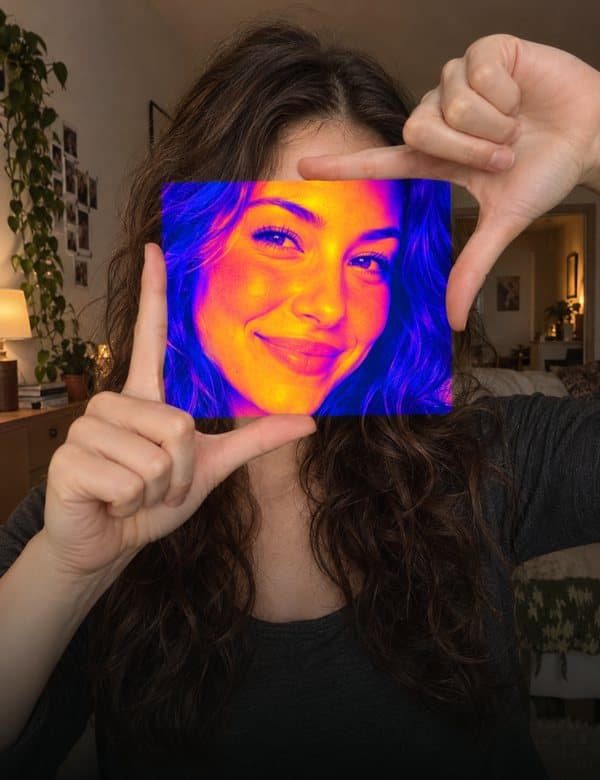 PortalDrop 8
Frame a gap with your fingers and a new look opens inside it.
How to do Portal LightningDrop 1
Lightning jumps from fingertip to fingertip.
How to do Lightning BubbleDrop 3 · iPhone
Pinch the air, pull, let go: a soap bubble floats off.
How to do Bubble Galaxy CubeDrop 9
A cube with a galaxy inside floats between your palms.
How to do Galaxy Cube StarsDrop 2
Make a fist to pull the stars in, open your hand to burst them out.
How to do Stars HologramDrop 6
Frame yourself with your fingers and the picture turns into a hologram.
How to do Hologram Night VisionDrop 10
The whole camera turns into night vision, CCTV, 8mm film or heat.
How to do Night Vision