How to do the magic hands effect without editing
A magic hands video shows light, lightning, a portal or particles that follow someone's hands. You can make one three ways: use a hand effect inside TikTok or Snapchat, add the effect afterwards in a video editor, or film with a live hand-tracking camera app such as Mote, which draws the effect while you record so there is nothing to edit.
What is the magic hands effect?
“Magic hands” is a name for short videos where something visual seems attached to a person’s hands: lightning jumping between fingertips, a portal opening in the gap the fingers make, light trails, or a glowing object floating between the palms. It is a style of video, not one filter. The effect is either drawn live by an app that tracks the hands in the camera, or added afterwards by lining it up with the hands in an editor.
Three ways to make a magic hands video
1. An effect inside TikTok or Snapchat
Pick a creator-made effect in the app's camera. TikTok effects are built with Effect House; Snapchat Lenses are built with Lens Studio, which supports hand tracking.
Good: Free, and the clip posts straight into that app.
Watch out: Which hand effects exist changes as creators publish and remove them. On Instagram and Facebook, effects from outside creators were removed on January 14, 2025; only Meta's own effects remain.
2. Edit it in afterwards
Film your hands normally, then place the effect over them in a video editor, frame by frame or with motion tracking.
Good: Full control over the look and timing.
Watch out: Takes the longest: you line the effect up with your hands by hand, and fast finger movement is hard to match.
3. A live hand-tracking camera app (Mote)
Mote finds your hands in every camera frame and draws the effect on them while you film. Gestures such as a pinch or a fist switch the look mid-shot.
Good: The recorded clip already has the effect, so you can post it anywhere: Reels, TikTok, Shorts.
Watch out: Most effects need Mote Pro. Free clips are up to 15 seconds with a small watermark, and Bubble is iPhone only for now.
If you only post on TikTok or Snapchat and a hand effect you like is available there, the in-app effect is the quickest free option. A live camera app is the better fit when you want the same clip on Reels, TikTok and Shorts, or want to switch looks with a gesture mid-shot.
How to do it in Mote, step by step
- Install Mote (free on the App Store and Google Play) and open it. No account is needed.
- Pick an effect on the home screen. Each one opens with a short guide to its gesture.
- Hold your hands up to the front or back camera so both hands are in the frame. Mote tracks up to two hands at a time.
- Tap record and do the gesture. The effect follows your hands live.
- Save the clip to Photos and post it, or use Share to Story for Instagram (from Mote 1.3.0).
Which magic hands effect should you try?
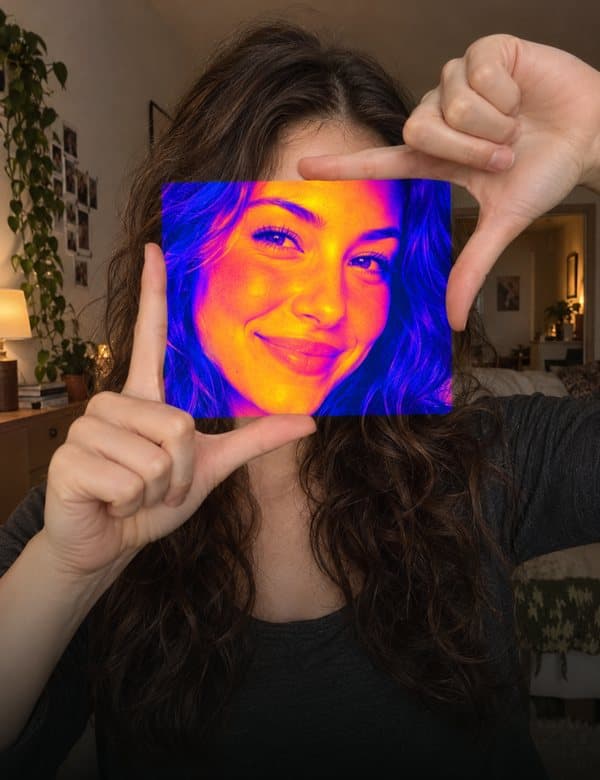 PortalPro
Frame a gap with your fingers and a new look opens inside it.
How to do Portal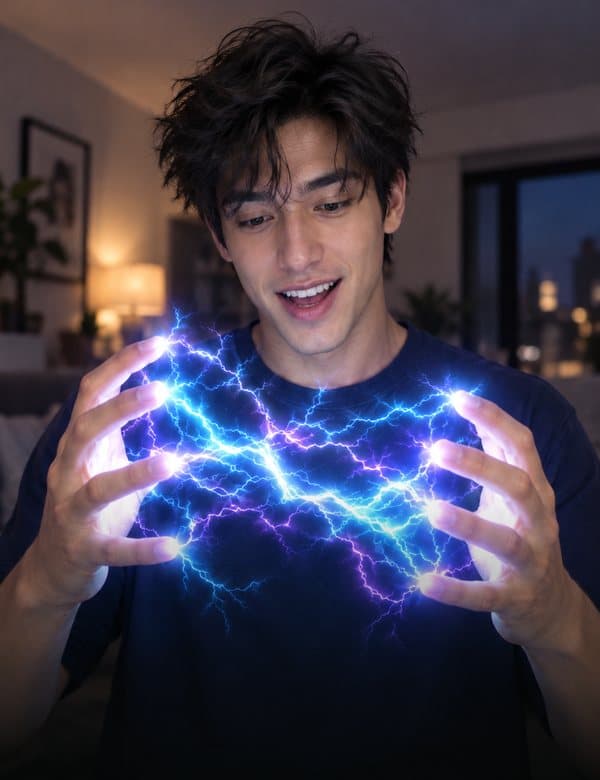 LightningPro
Lightning jumps from fingertip to fingertip.
How to do Lightning BubbleFree · iPhone
Pinch the air, pull, let go: a soap bubble floats off.
How to do Bubble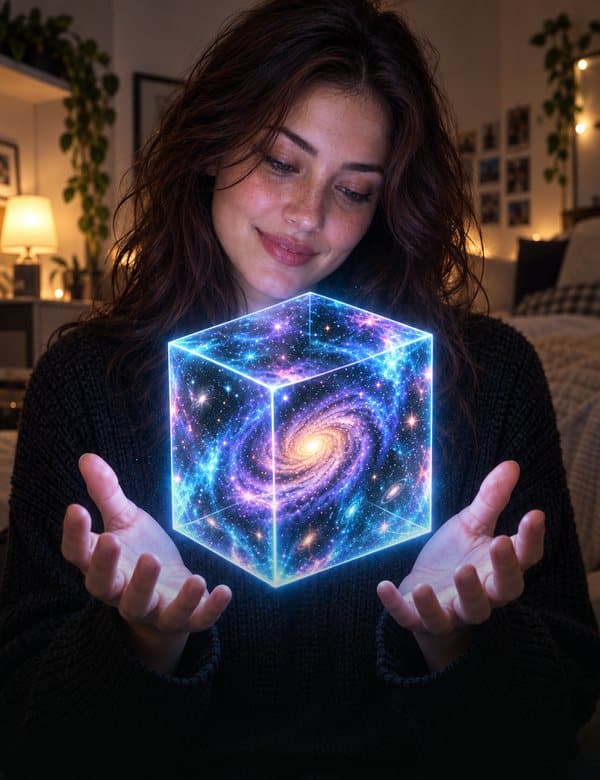 Galaxy CubePro
A cube with a galaxy inside floats between your palms.
How to do Galaxy Cube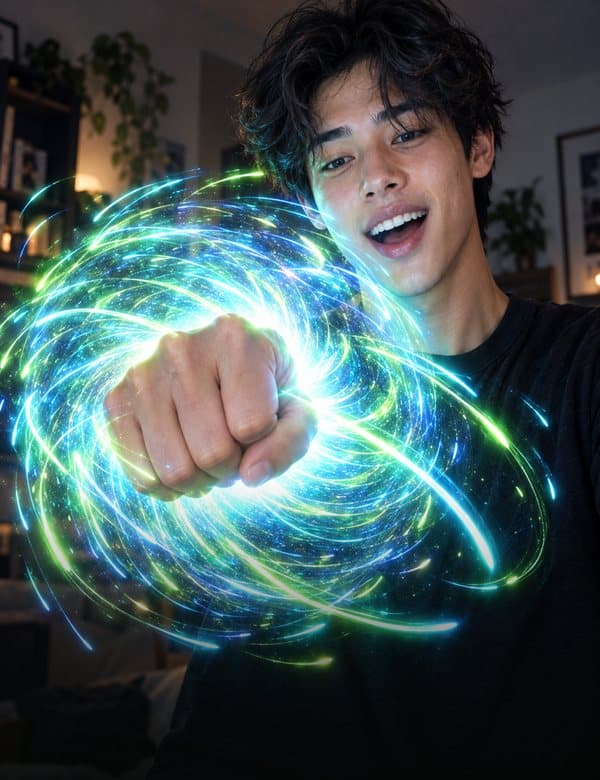 StarsPro
Make a fist to pull the stars in, open your hand to burst them out.
How to do Stars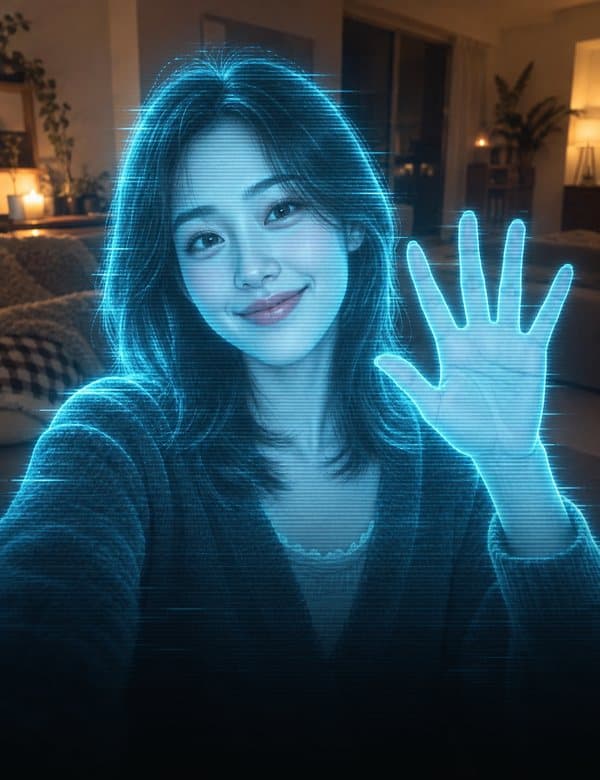 HologramPro
Frame yourself with your fingers and the picture turns into a hologram.
How to do Hologram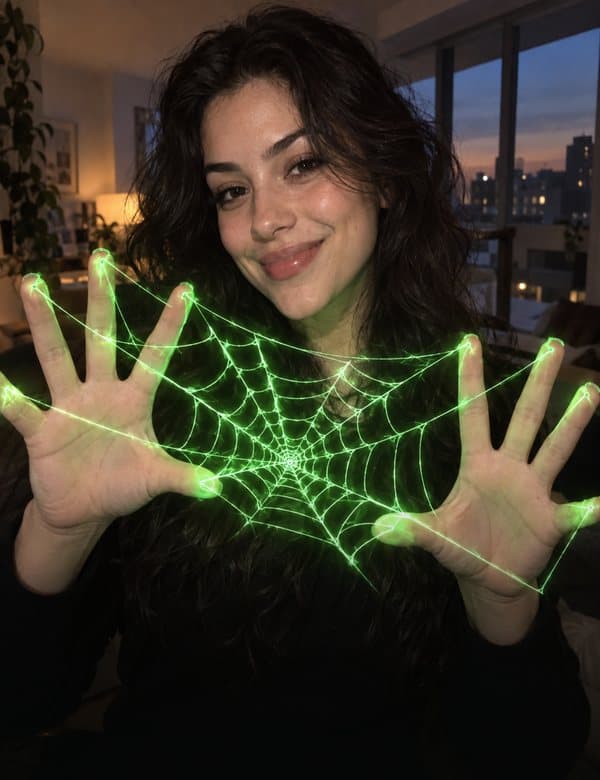 WebFree
Glowing threads stretch between your fingers.
How to do Web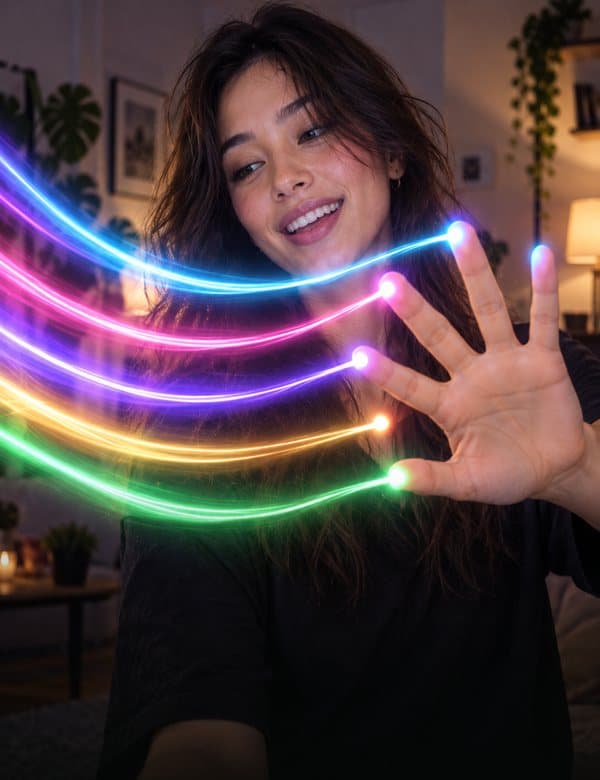 Light TrailsFree
Wiggle your fingertips and light trails follow.
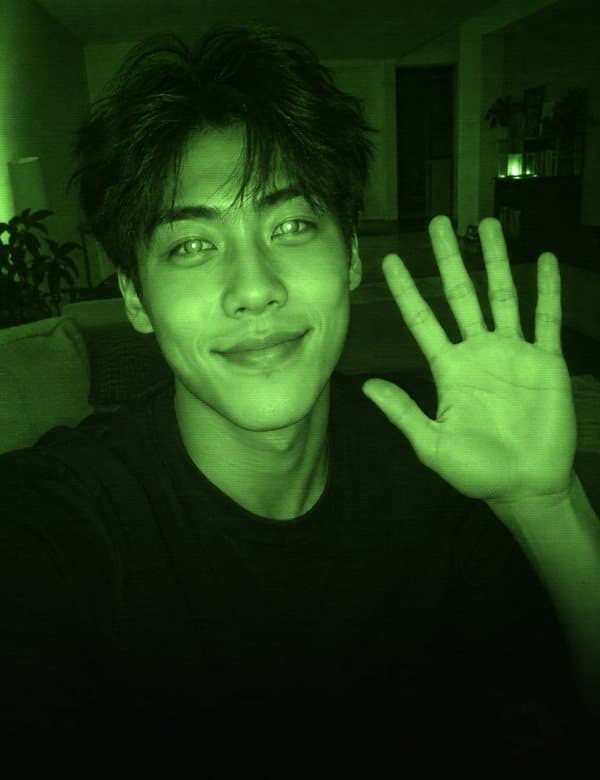 Night VisionPro
The whole camera turns into night vision, CCTV, 8mm film or heat.
Questions
Is there a free magic hands effect?
Yes. In Mote, Web, Light Trails and Bubble (iPhone) are free, with clips up to 15 seconds and a small watermark. Effects inside TikTok and Snapchat are also free to use in those apps.
Can I do the magic hands effect on Instagram?
Instagram removed effects made by outside creators on January 14, 2025, so most hand effects that used to be there are gone. You can record the clip in a camera app such as Mote, save it, and post it as a Reel or Story.
Is magic hands a TikTok filter?
It is a name for a style of video rather than one filter. Different apps and effects make it: TikTok and Snapchat effects, editing apps, and live camera apps such as Mote, which has several hand effects (lightning, portal, galaxy cube, stars and more).
Do I need a green screen or a computer?
Not with a live hand-tracking app. The effect is drawn on the camera feed while you film, so the clip you save already has it. Editing it in afterwards is the method that needs more time, and usually a bigger screen.
Sources
- Social Media Today: Meta is shutting down Spark AR Studio (third-party effects end January 14, 2025)
- Snap for Developers: Lens Studio hand tracking
- TikTok Newsroom: Effect House
Checked . Mote facts are from the app itself. Updated by Second Earth.