How to get a night vision filter on your phone camera
To get a night vision filter on your phone camera, open Mote, pick Night Vision and just move: the whole live camera turns into green night vision, and a pinch switches it to a CCTV feed, grainy 8mm film or a heat-camera look while you record, with no editing.
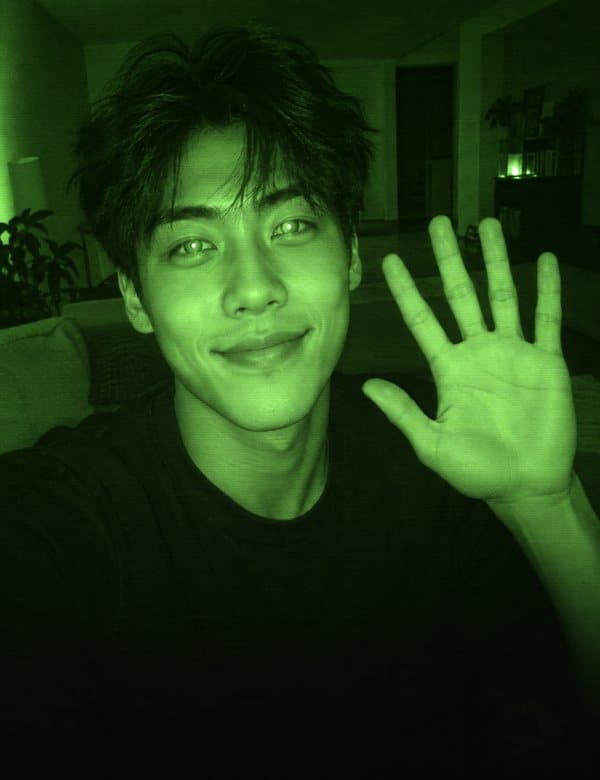
The gesture, step by step
- Open Mote and pick Night Vision.
- Point the front or back camera at yourself or the room and just move: the whole picture changes live, no pose needed.
- Tap record. The look is already in the clip, so there is nothing to edit.
Pinch to switch between CCTV, Night Vision, 8mm Film and Heat while you film.
- CCTV
- Night Vision
- 8mm Film
- Heat
What makes it work
- Live hand tracking
- Night Vision changes the whole camera picture rather than following your hands, so it works with no pose: point the front or back camera and move. The pinch is the only gesture, and it cycles the four looks.
- No editing
- The effect is drawn on the live camera, so the clip you record already has it.
- Phones
- iPhone (iOS 16.0 or later) and Android (Android 7.0 or later).
- Price
- Free: this week's Friday drop and every drop you caught (record one take during its week and it stays yours), in takes up to 15 seconds with a small watermark. Mote Pro: every effect, including drops you missed, 60-second takes and no watermark.
- What it is not
- It is a look, not real night vision or thermal imaging. The phone camera still needs some light to see, so a dark room stays dark under the filter, and Heat is a color style that cannot measure temperature.
- Recording
- Up to 15 seconds free, 60 seconds with Pro. Save to Photos, or from Mote 1.3.0 share straight to Instagram Stories.
Questions
Is the Night Vision effect free?
Night Vision is Mote's drop 10, live from Friday, November 13, 2026 at 7 pm on your phone's clock. Mote is free to download. Each Friday a new effect drops: record it free that week and it stays in your collection, in takes up to 15 seconds with a small watermark. Outside its drop week, a missed drop is part of Mote Pro, which also gives 60-second takes and no watermark. Mote Pro is a weekly subscription with a 3-day free trial for eligible new subscribers, an annual plan or a one-time lifetime purchase; prices are shown in the app.
Do I need to edit the video to get the night vision effect?
No. Mote draws Night Vision on the live camera while you film, using real-time hand tracking. What you see on screen is what gets recorded, so there is no timeline, keyframing or green screen.
Which phones can do the night vision effect?
Night Vision works in Mote on iPhone (iOS 16 or later) and Android (Android 7.0 or later). On a phone where live hand tracking cannot start, Mote falls back to the Web effect.
Can I share it to Instagram or TikTok?
Yes. Record the clip in Mote, save it to Photos, and post it anywhere. From Mote 1.3.0 there is also a Share to Story button that sends the clip straight to Instagram Stories.
Do I need an account?
No. Mote works without an account, and hand tracking runs on your phone; camera frames are not uploaded.
More hand effects
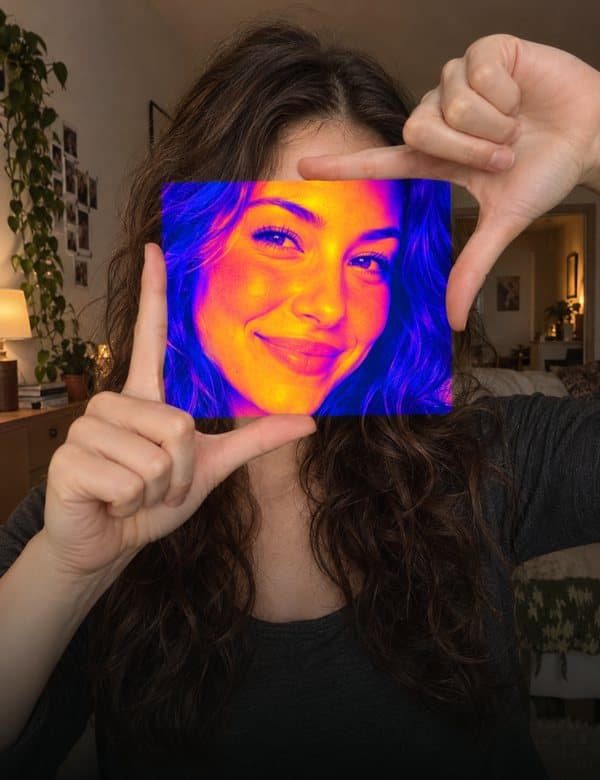 PortalDrop 8
Frame a gap with your fingers and a new look opens inside it.
How to do Portal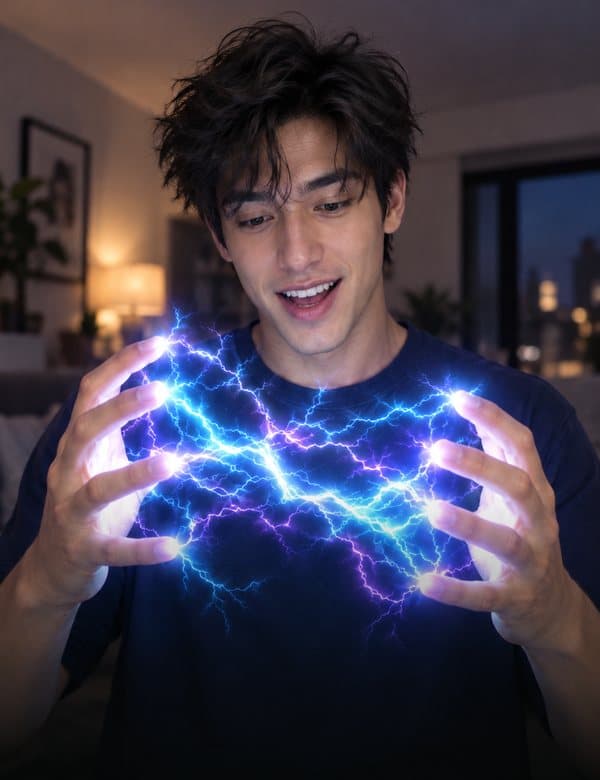 LightningDrop 1
Lightning jumps from fingertip to fingertip.
How to do Lightning BubbleDrop 3 · iPhone
Pinch the air, pull, let go: a soap bubble floats off.
How to do Bubble Galaxy CubeDrop 9
A cube with a galaxy inside floats between your palms.
How to do Galaxy Cube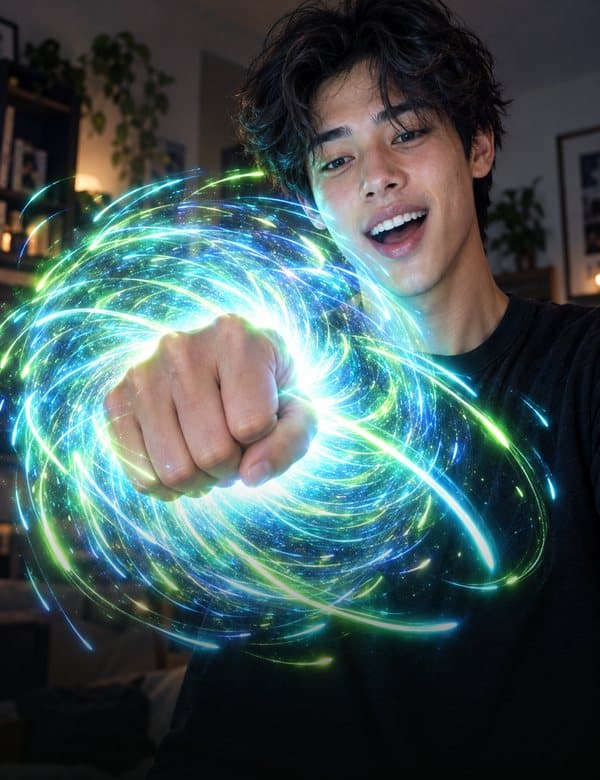 StarsDrop 2
Make a fist to pull the stars in, open your hand to burst them out.
How to do Stars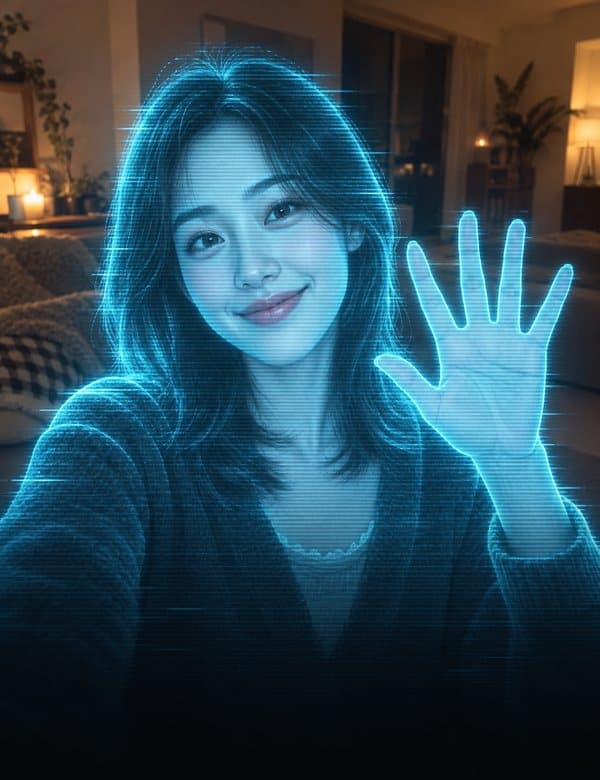 HologramDrop 6
Frame yourself with your fingers and the picture turns into a hologram.
How to do Hologram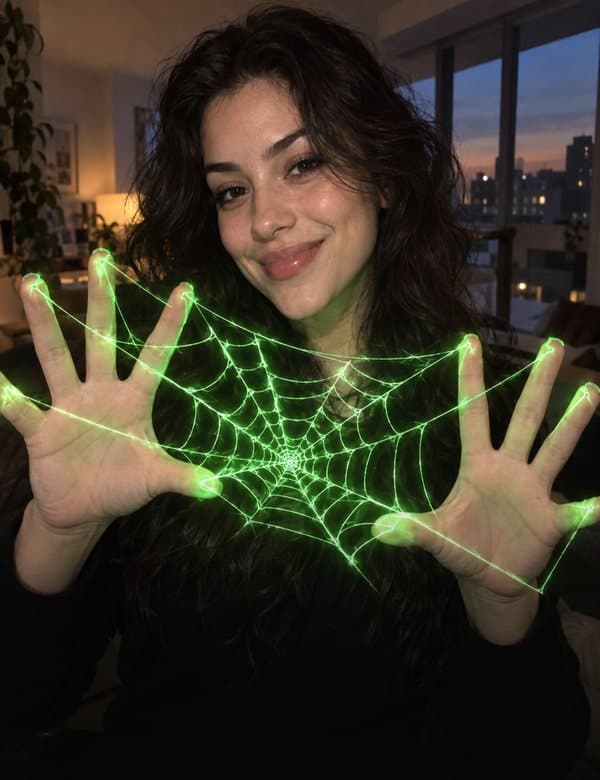 WebDrop 4
Glowing threads stretch between your fingers.
How to do Web